Description
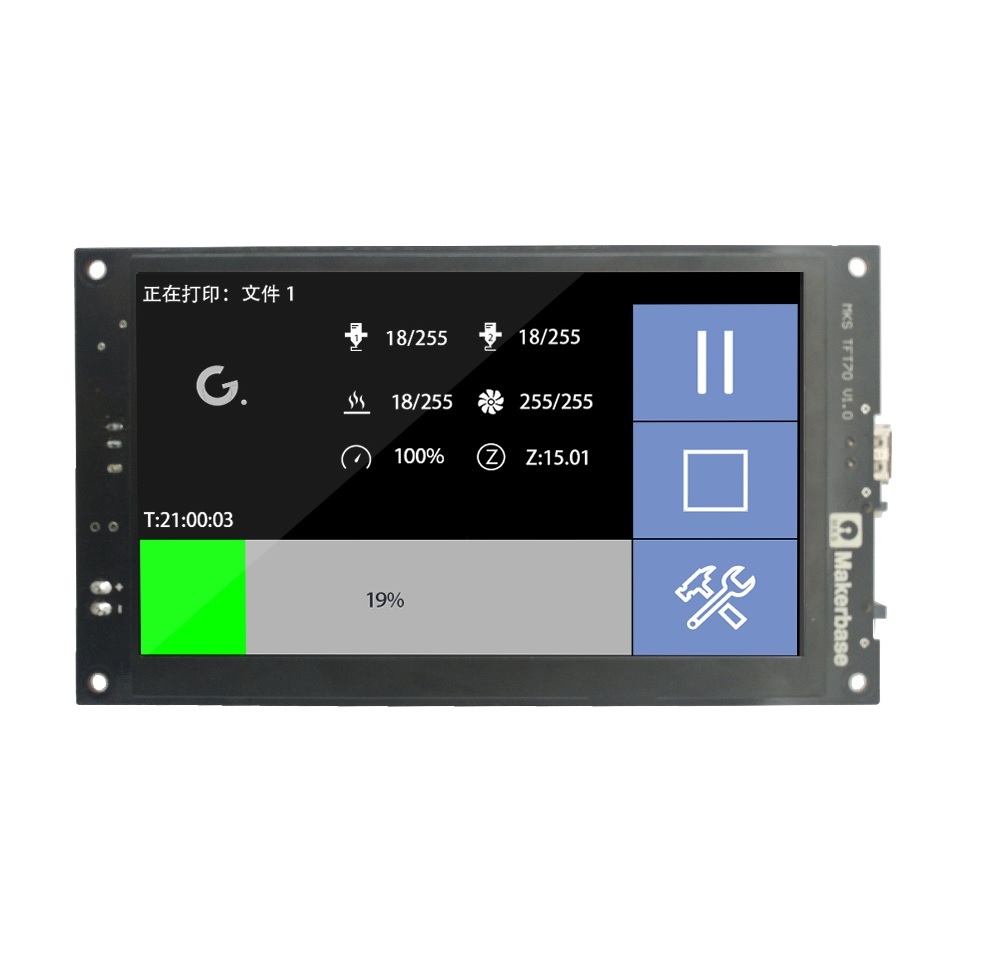
Upgrade your 3D printer’s interface to a professional, high-visibility 7-inch full-color TFT touch screen. The Makerbase MKS TFT70 V1.1 is designed to provide an intuitive, user-friendly control experience, featuring high sensitivity and a customizable interface. Whether you are building a custom DIY machine or upgrading your current printer, this screen simplifies operation, firmware management, and print monitoring.
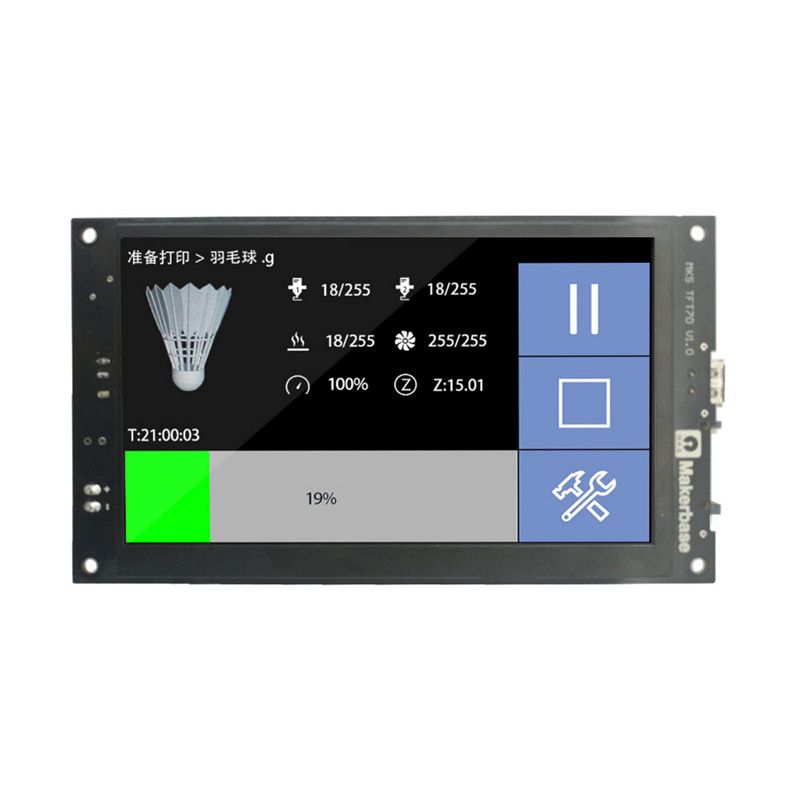
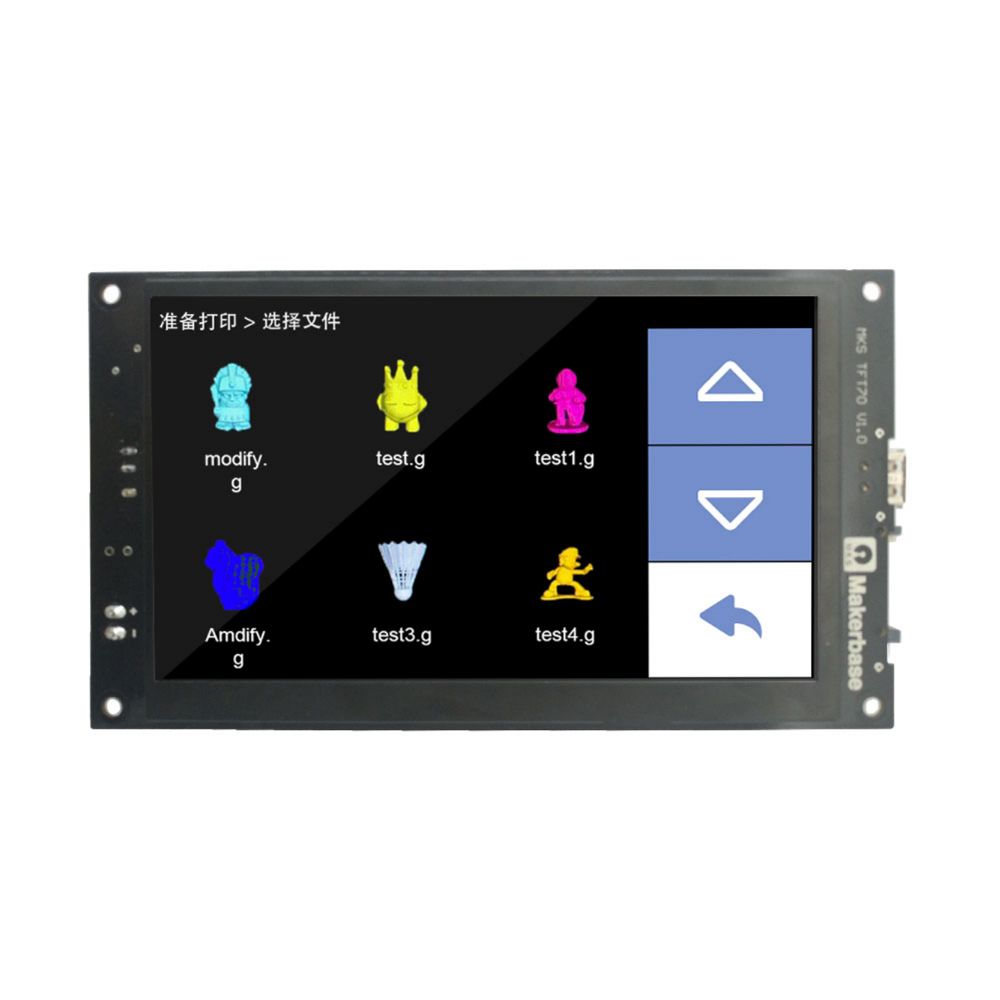
Powered by a robust 32-bit STM32 processor, this screen supports advanced features such as G-code model previews, multi-language support, and flexible connectivity. Its open design allows you to customize the boot logo, button layouts, and interface, giving you complete control over your printer’s aesthetics and functionality.
Key Features
- Immersive 7″ Display: Large, full-color TFT touch screen with high sensitivity for effortless control.
- Advanced Functionality: Supports model previews (G-code), breakpoint resume, filament runout detection, and power-off shutdown modules.
- Smart Connectivity: WIFI compatibility allows for remote monitoring and control via mobile app (Android/iOS) or web interface.
- Customizable UI: Supports 7 switchable languages and allows users to fully customize boot logos and interface buttons.
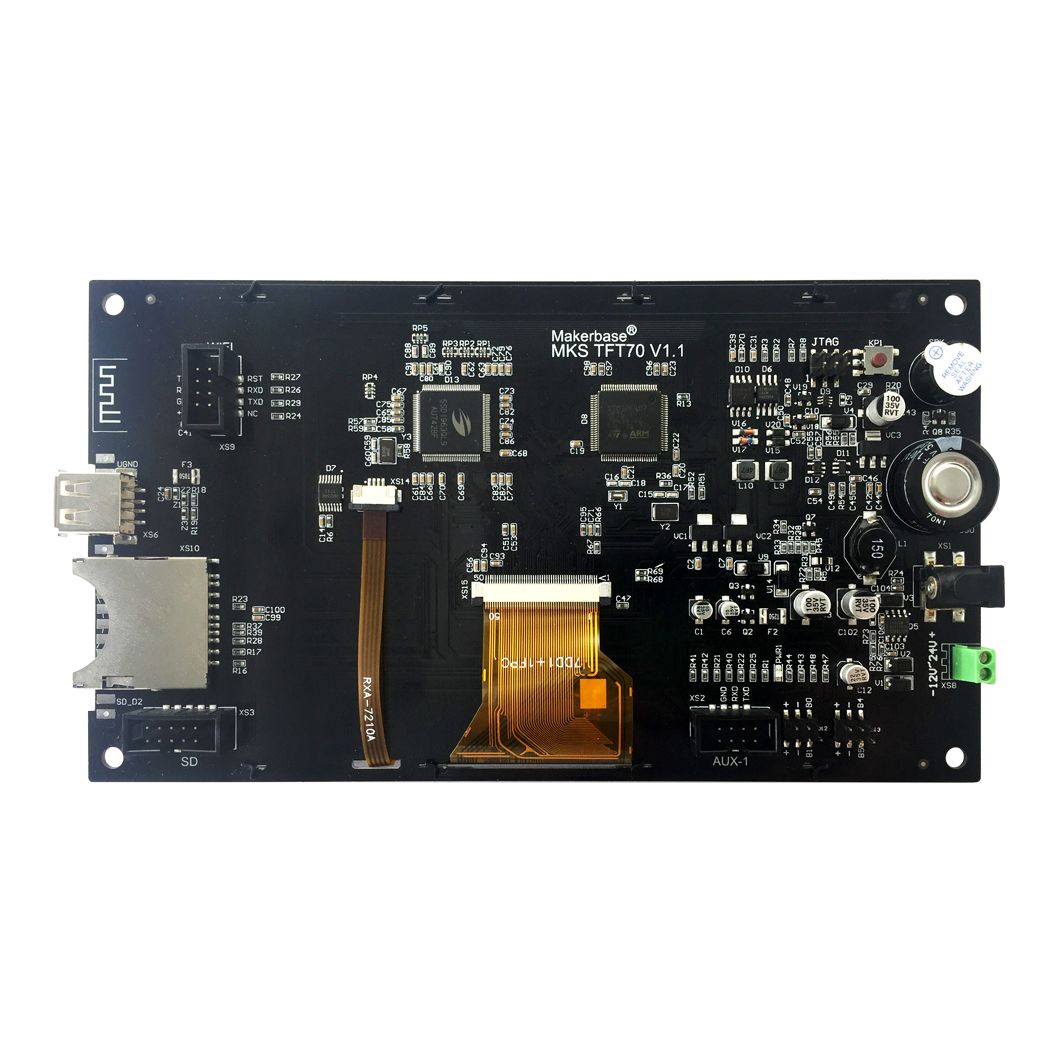
- Easy Maintenance: Firmware updates and configuration are handled quickly and conveniently via SD card.
Applications
- DIY Printer Builds: A premium interface for custom-built FDM 3D printers.
- Hardware Upgrades: A major quality-of-life improvement for printers currently using smaller or non-touch displays.
Package Includes
- 1 x Makerbase MKS 7 Inch MKS TFT70 V1.1 Full Color TFT Screen
- 1 x 8-Pin Connecting Cable (50 cm)
Technical Specifications
| Parameter | Specification |
|---|---|
| Display Size | 7.0 inches |
| Processor | 32-bit STM32 |
| Operating Voltage | 12V – 24V DC |
| Dimensions | 196.7 x 111 mm |
| Mounting Holes | 185.7 x 100 mm |
| Storage | SD Card, U-Disk |
Note: This display requires an external 12V–24V DC power supply, which is not included in the package. Ensure your power supply is properly connected before operation.