SPIDER Automation | BETAFPV LiteRadio 2 SE ELRS 2.4GHz Radio Transmitter – SX1280, 8 Channels & 100mW | Rechargeable Battery & Simulator Connectivity
Product Overview & Radio Control Technology
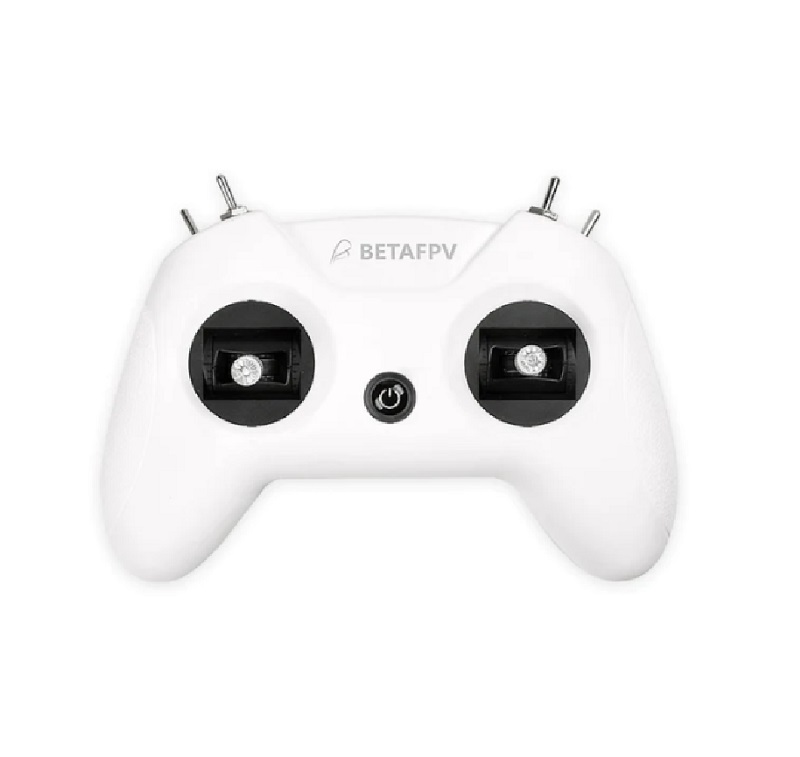
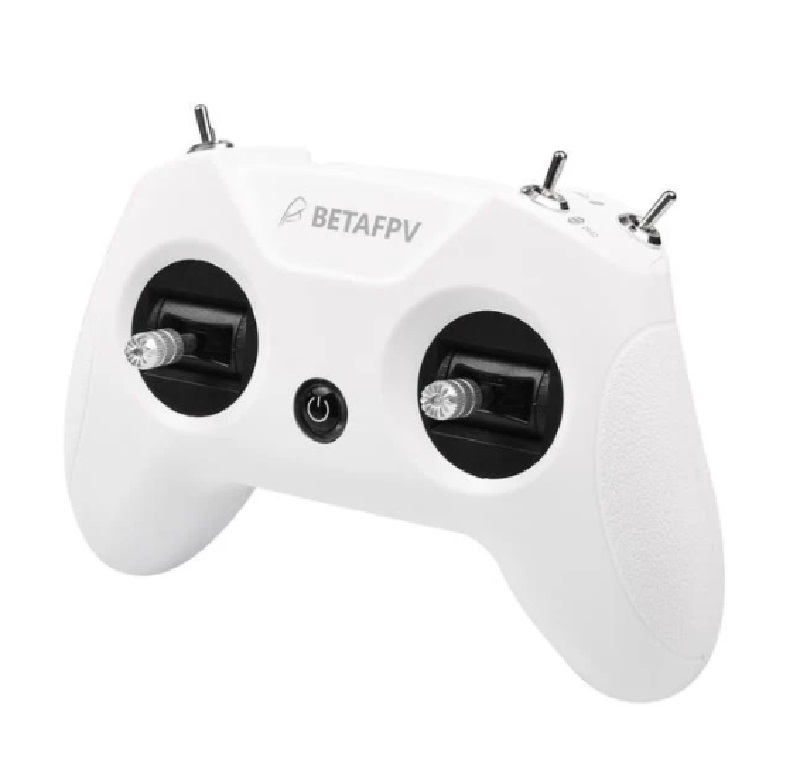
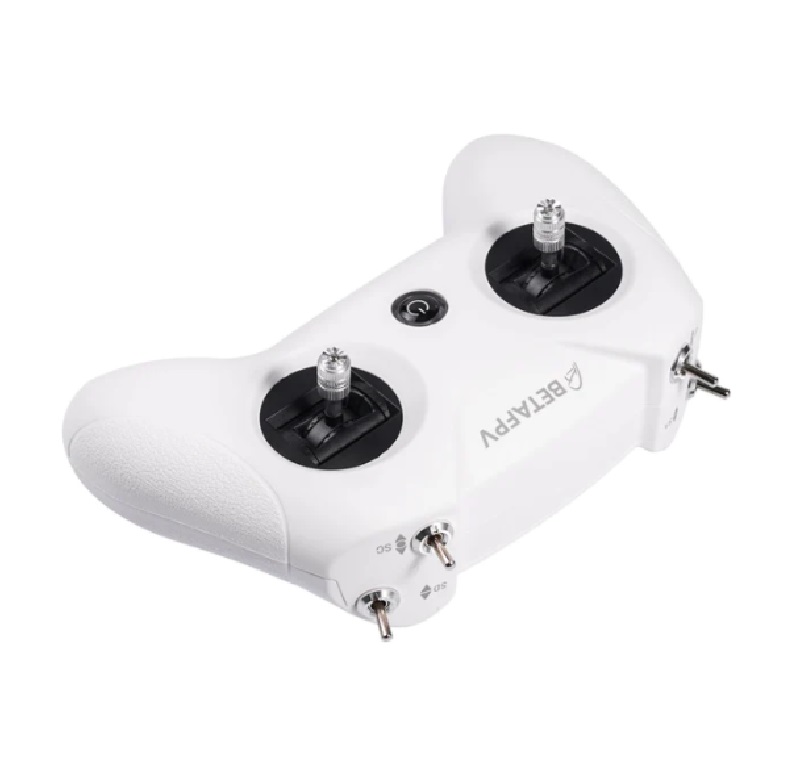
The BETAFPV LiteRadio 2 SE Radio Transmitter is an upgraded version of the LiteRadio 2, designed for FPV radio control applications with improved transmitting power, integrated battery capacity and convenient configuration features. This version supports the ExpressLRS 2.4GHz radio link protocol and uses the SX1280 2.4GHz system.
The transmitter features a built-in 1000mAh 1S rechargeable battery that provides up to 8 hours of operating endurance. Its transmitting power reaches up to 100mW, while the 8-channel configuration supports compatible radio control systems.
LiteRadio 2 SE incorporates BETAFPV’s customized LiteRadio System, allowing users to perform joystick calibration and firmware updates directly through the transmitter. It also supports the BETAFPV Configurator utility for updating, configuring and tuning the radio controller.
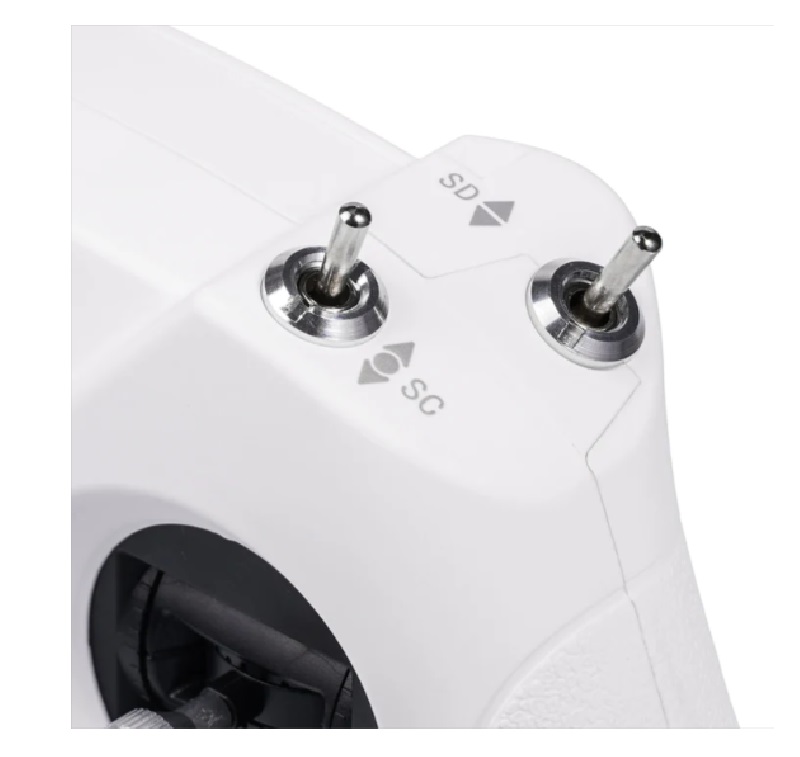
The controller can function as a USB joystick when connected to a personal computer, enabling use with supported FPV simulator applications. Its rubber-coated ergonomic housing and anti-slip handle texture are designed to provide a comfortable grip during extended operation.
Technical Features & Performance Characteristics
- ExpressLRS 2.4GHz Protocol: Supports the ExpressLRS 2.4GHz radio link protocol for compatible radio control applications.
- SX1280 2.4GHz System: Uses the SX1280 radio system for wireless transmission.
- ELRS V3 Default Firmware: The LR2 SE ELRS 2.4G version has been supplied with ELRS V3 firmware as the default since November 2023, replacing the previous ELRS V2.0 version.
- Up to 100mW Transmission Power: Provides transmitting power of up to 100mW, as specified for this model.
- 8 Radio Channels: The specification lists an 8-channel configuration.
- Built-In 1000mAh 1S Battery: Integrated rechargeable battery supports up to 8 hours of operation.
- Customized LiteRadio System: Supports direct joystick calibration and firmware update operations through the transmitter.
- BETAFPV Configurator Support: Provides a utility for updating, configuring and tuning the radio controller.
- Integrated USB Charging Module: Supports charging through the USB Type-C connector.
- Low-Battery Warning: The LED indicates a low-battery condition when the battery voltage falls below 3.5V.
- USB Joystick Functionality: The transmitter operates as a USB joystick when connected to a personal computer.
- Simulator Connectivity: Supports connection with compatible FPV simulator applications, including the simulator identified in the supplied product information.
- Ergonomic Rubber-Coated Housing: Features a gaming-controller-style shape with anti-slip texture on the handles.
- White Colour: The supplied product specification identifies the transmitter colour as white.
Performance Advantages
- Extended Operating Endurance: The integrated 1000mAh 1S battery provides up to 8 hours of operation, according to the supplied product information.
- Convenient Transmitter Configuration: Direct joystick calibration and firmware update functions reduce the need for separate configuration procedures.
- Higher Transmitting Power: The specified maximum transmitting power of 100mW is an upgrade over the LiteRadio 2 as described in the source information.
- Computer Simulator Compatibility: USB joystick functionality allows the transmitter to be used with supported FPV simulator software.
- Convenient Charging: The built-in charging module and USB Type-C connector simplify battery charging.
- Comfortable Handling: The rubber-coated body and anti-slip handle texture support a secure grip during operation.
Industrial, Commercial & Technical Applications
- FPV Radio Control: Wireless transmitter control for compatible FPV systems.
- ExpressLRS Systems: Radio control applications using compatible ExpressLRS 2.4GHz receivers and configurations.
- FPV Simulator Training: Computer-based control practice using the transmitter’s USB joystick function.
- Radio Configuration & Testing: Joystick calibration, firmware updating and transmitter configuration.
- Multirotor Control Systems: Use in compatible FPV multirotor control setups.
- Radio Link Evaluation: Evaluation and testing of compatible 2.4GHz ExpressLRS radio control systems.
Package Contents
- 1 × BETAFPV LiteRadio 2 SE Radio Transmitter
- 1 × User Manual
- 1 × USB Type-C Cable
Product Specifications
| Parameter | Specification |
|---|---|
| Product Name | BETAFPV LiteRadio 2 SE Radio Transmitter |
| Product Version | ELRS 2.4G |
| Colour | White |
| Radio Protocol | ExpressLRS 2.4GHz |
| 2.4GHz System | SX1280 |
| Frequency | 2.4GHz |
| Channels | 8 |
| Transmitting Power | Up to 100mW |
| Default Firmware | ExpressLRS V3 (since November 2023, as stated in the supplied information) |
| Battery | Built-in 1000mAh 1S Battery |
| Operating Endurance | Up to 8 hours |
| Charging Connector | USB Type-C |
| Charging Function | Built-in USB charging module |
| Low-Battery Warning | LED warning when battery voltage is below 3.5V |
| Configuration Support | Customized LiteRadio System and BETAFPV Configurator |
| Calibration | Joystick Calibration |
| Firmware Update | Supported through the customized LiteRadio System and USB connection |
| Computer Interface | USB joystick functionality |
| Housing | Rubber-coated ergonomic housing with anti-slip handle texture |
| Shipping Weight | 0.35kg |
| Shipping Dimensions | 21 × 16 × 8cm |
Operating & Configuration Notes
- Firmware Version: The ELRS 2.4G version is supplied with ELRS V3 as the default firmware according to the information provided. Older units may use ELRS V2.0.
- Firmware Configuration: BETAFPV Configurator is identified as the utility for updating, configuring and tuning the transmitter.
- Joystick Calibration: The customized LiteRadio System supports joystick calibration directly through the transmitter.
- Charging Indication: The supplied LED description identifies green as power on, blue as normal and red as the low-voltage warning state below 3.5V. The source also mentions slow blue flashing after the red warning.
- USB Simulator Use: Connect the transmitter to a computer to use its USB joystick function with supported simulator software.