
SPIDER Automation | 2x AA Battery Holder with ON/OFF Switch | JST 2-Pin Connector
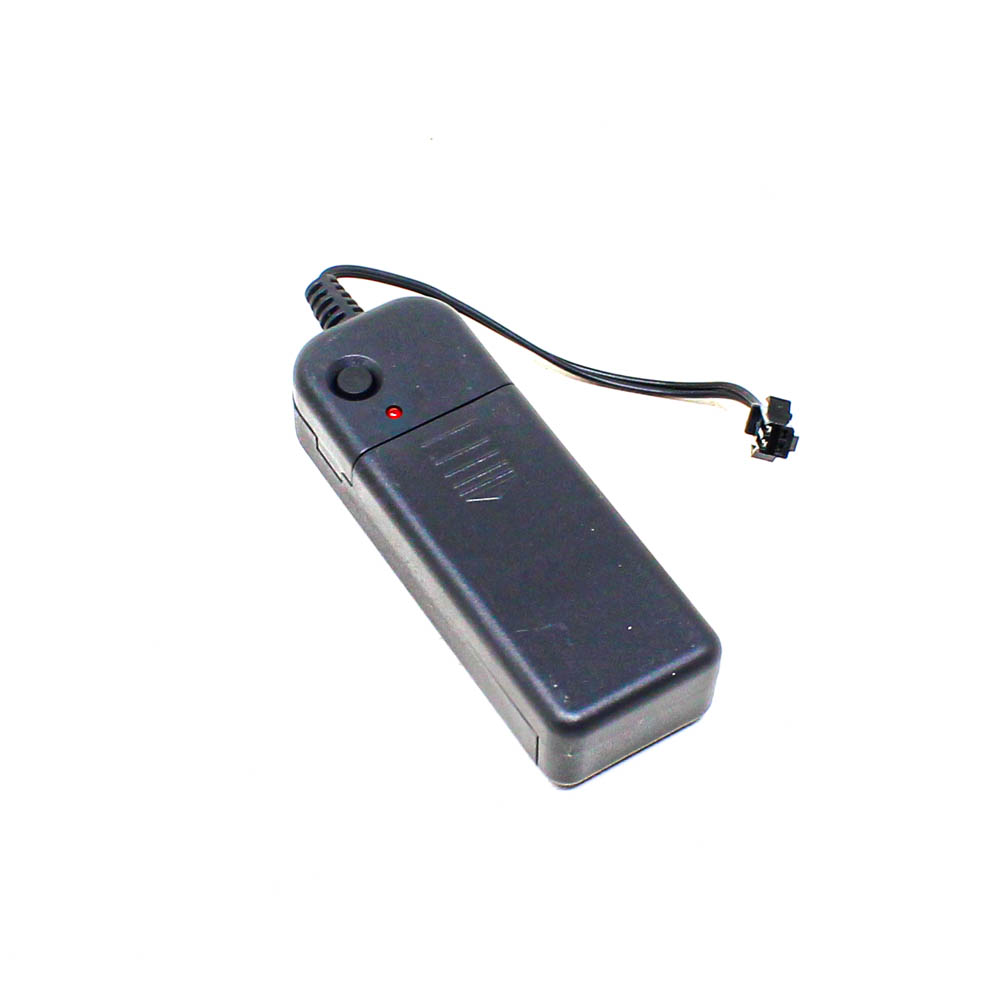
The SPIDER Automation 2x AA Battery Holder is a prewired battery enclosure designed to provide a convenient removable power source for electronic and lighting projects. It accommodates two AA cells and integrates an ON/OFF switch, LED indicator and 2-pin JST connector in a compact assembly.
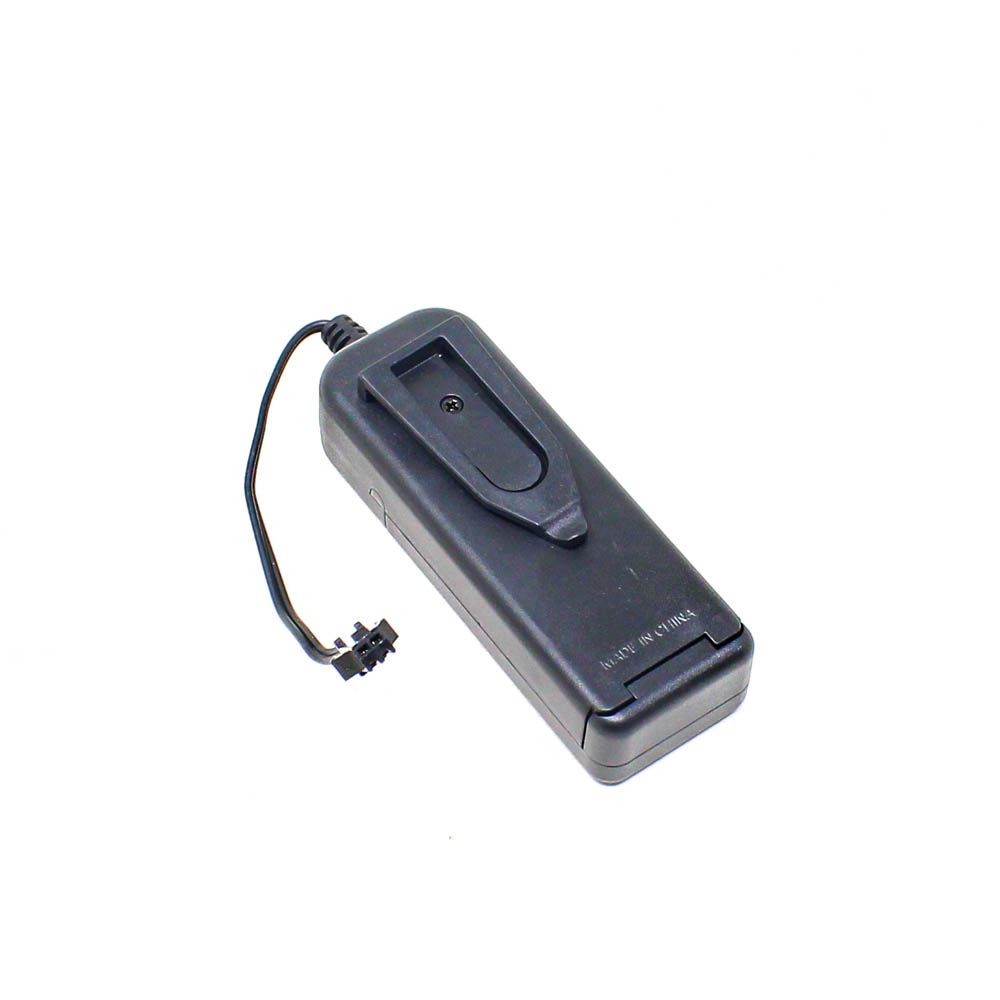
The holder features a black ABS plastic housing with a screw-secured battery compartment. Its preattached red and black wires provide polarity identification, while the connector interface simplifies integration with compatible electronic assemblies without requiring direct soldering to the battery holder.
Technical Features & Functional Design
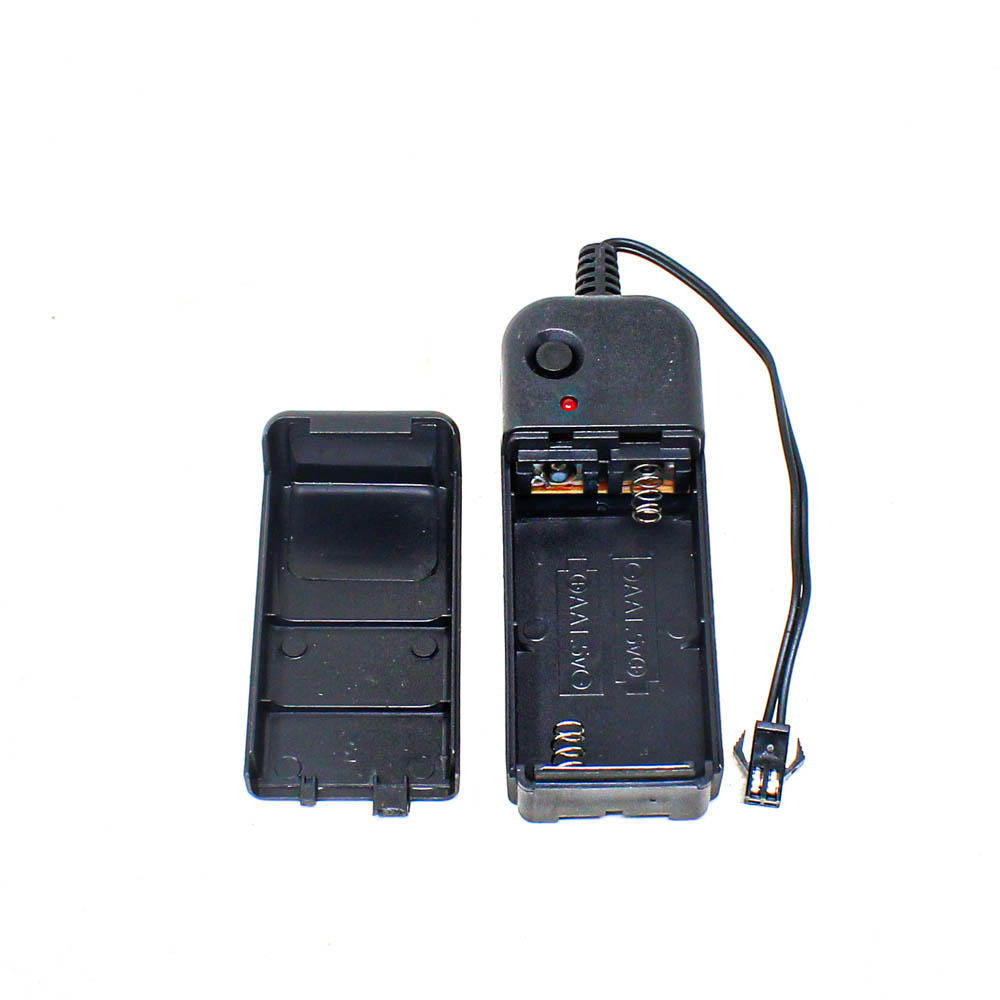
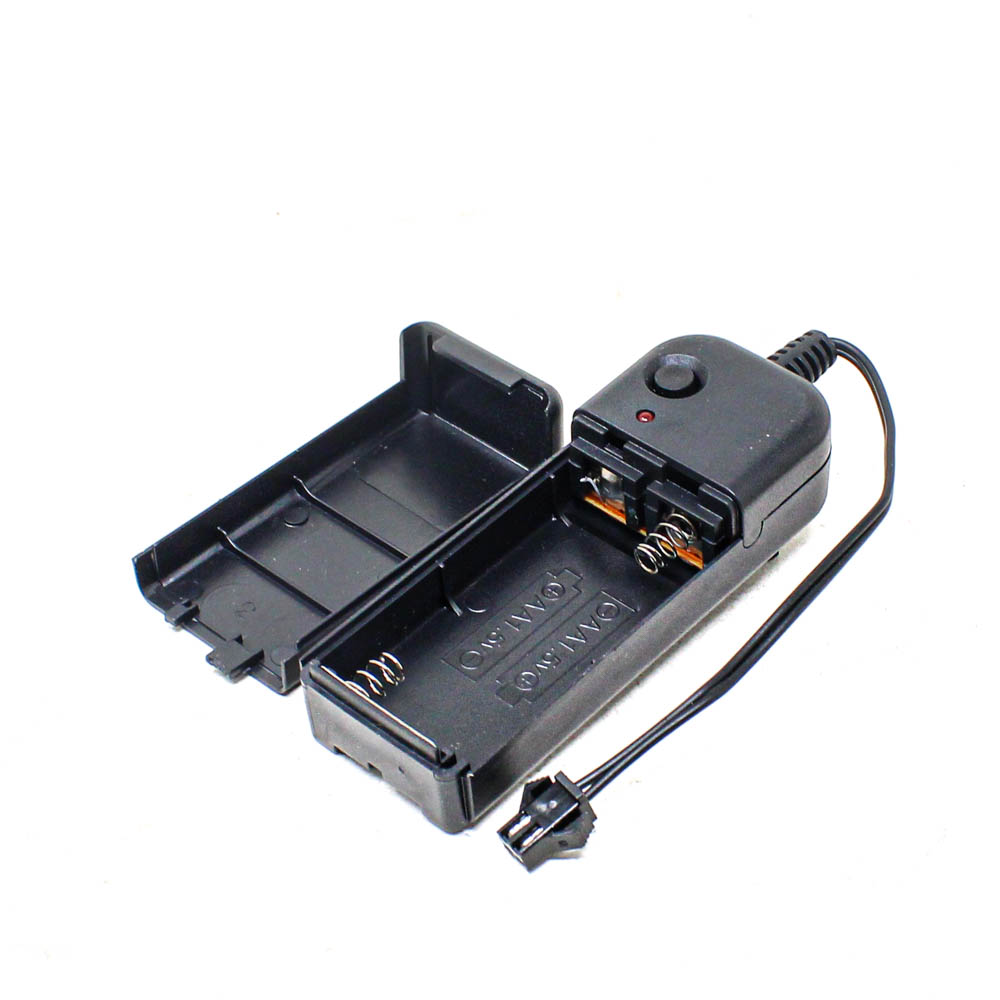
- Dual AA Battery Compartment: Accommodates two AA battery cells in an enclosed housing.
- Integrated Power Switch: Provides convenient manual ON/OFF control of the connected circuit.
- 2-Pin JST Connector: Supports connection to compatible electronic devices and wiring assemblies.
- LED Indicator: Provides a visual indication associated with the holder’s operation.
- Prewired Leads: Red and black wires help identify the positive and negative power connections.
- ABS Plastic Construction: Provides a dedicated enclosure for the battery cells.
- Screw-Secured Cover: Helps retain the batteries within the compartment.
- Ready-to-Connect Assembly: Reduces the need for direct soldering at the battery-holder connection.
Electrical Configuration & Connection Details
The assembly uses two AA battery cells as its power source and provides a prewired output through a 2-pin JST connector. The red and black leads identify the respective power polarities, and the integrated switch enables manual control of the connected circuit.
| Connection | Description |
|---|---|
| Red Wire | Positive supply lead |
| Black Wire | Negative supply lead |
| 2-Pin JST Connector | Prewired connector for compatible devices |
| ON/OFF Switch | Manual switching of the connected circuit |
Connection Note: Check the connector’s physical compatibility and pin polarity against the target device before connecting. Ensure that the connected equipment supports the voltage supplied by the two installed AA cells.
Applications
This battery holder is suitable for portable electronic assemblies and lighting projects designed to operate from two AA battery cells.
- EL Wire Projects: Battery-holder assembly for compatible electroluminescent wire applications.
- EL Light Strips: Suitable for compatible battery-powered EL lighting arrangements.
- LED Lighting Projects: Provides a battery connection for LED circuits designed for the available supply voltage.
- Portable Electronics: Can be integrated into compatible compact battery-powered devices.
- DIY Electronics: Useful for prototypes and custom electronic assemblies requiring removable batteries.
- Educational Projects: Supports battery-powered circuit demonstrations and electronics experiments.
- Wearable Lighting: Suitable for compatible portable lighting accessories.
- Decorative Lighting: Can be used in compatible battery-operated decorative lighting projects.
Package Contents
- 1 × 2x AA Battery Holder with ON/OFF Switch, LED Indicator and 2-Pin JST Connector
Important: AA battery cells are not included and must be purchased separately.
Product Specifications
| Parameter | Specification |
|---|---|
| Product Type | Battery Holder |
| Battery Configuration | 2 × AA Cells |
| Battery Chemistry | Not specified; use compatible AA cells |
| Connector Type | 2-Pin JST Connector |
| Switch Type | ON/OFF Switch |
| Indicator | Integrated LED Indicator |
| Wire Colours | Red and Black |
| Wire Length | Approximately 130 mm |
| Housing Material | ABS Plastic |
| Housing Colour | Black |
| Battery Compartment | Screw-secured enclosure |
| Specified Compatibility | Compatible EL wire and light strips |
Connection & Operating Recommendations
- Insert two AA battery cells into the holder, following the polarity markings inside the compartment.
- Close the battery cover and secure it using the provided screw.
- Connect the 2-pin JST connector to a compatible device or lighting assembly.
- Use the built-in ON/OFF switch to turn the connected circuit on or off.
- Replace the batteries when the connected device shows reduced performance or stops operating.
- Remove the batteries when the holder is not going to be used for an extended period.